





Fast Exchange (Quick Swap) on TacCoin
Fast Exchange allows you to quickly swap one cryptocurrency for another without using the traditional Spot trading interface. It’s perfect for beginners or for instant conversions. How to Use Fast Exchange: Access ...

Using Your TacCoin Wallet
Using Your TacCoin Wallet Your TacCoin Wallet allows you to securely store, send, and receive cryptocurrencies. Here’s how to use it: Access Your Wallet Log in to your TacCoin account and go to the Wallet section ...

How to Withdraw Funds on TacCoin
To withdraw funds from your TacCoin account, follow these steps: Log in to your TacCoin account. Enter your registered email and password to access your dashboard. Navigate to the “Withdraw” section. From the...

How to Make a Deposit on TacCoin
To deposit funds into your TacCoin account, follow these simple steps: Log in to your TacCoin account. Use your registered email and password to access the dashboard. Navigate to the “Deposit” section. From t...
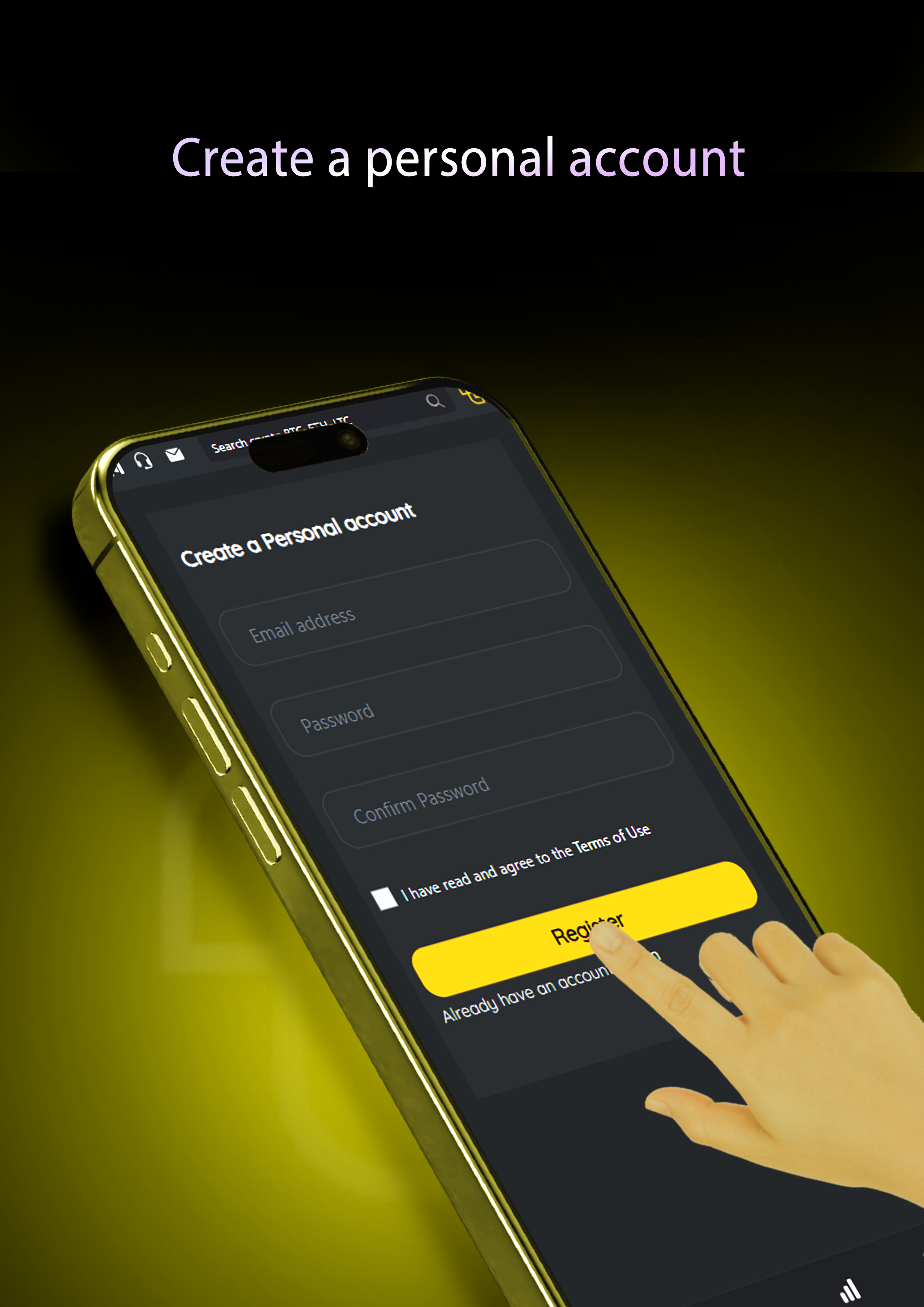
Account Registration – How to Create a New TacCoin Account
To create a new TacCoin account, enter your email address, create a password, and confirm the password by typing it again. After registering, you must verify your email to activate your account. Personal information wi...
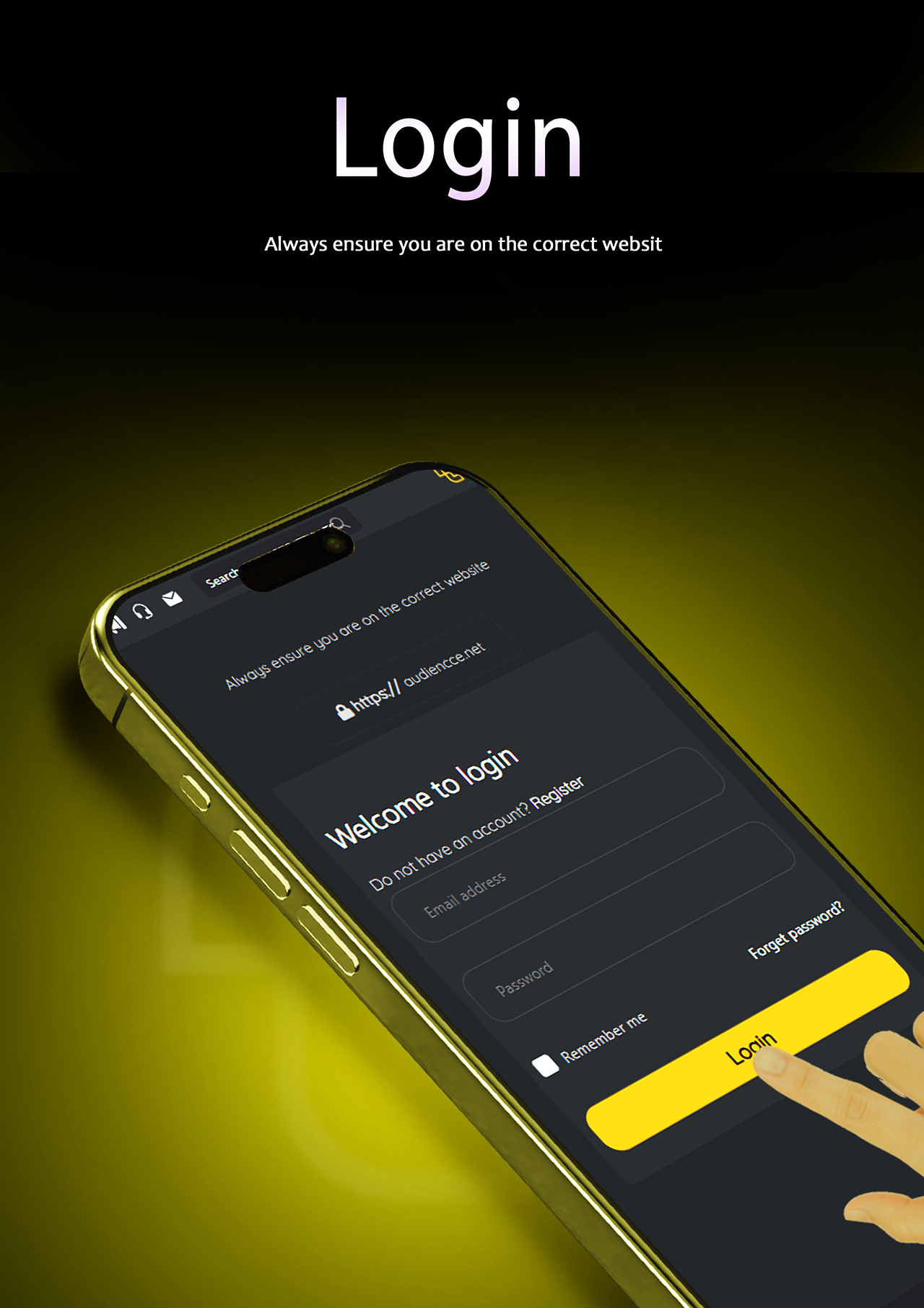
Login Method – How to Sign In to Your TacCoin Account
To log in to your TacCoin account, enter your registered email and password on the login page. If Two-Factor Authentication (2FA) is enabled, you will also need to enter the verification code generated by the Google Aut...